- 4K
- Your display's full resolution, tested up to 3840×2160.
- 120 fps
- On Wi-Fi, up to your display's refresh rate.
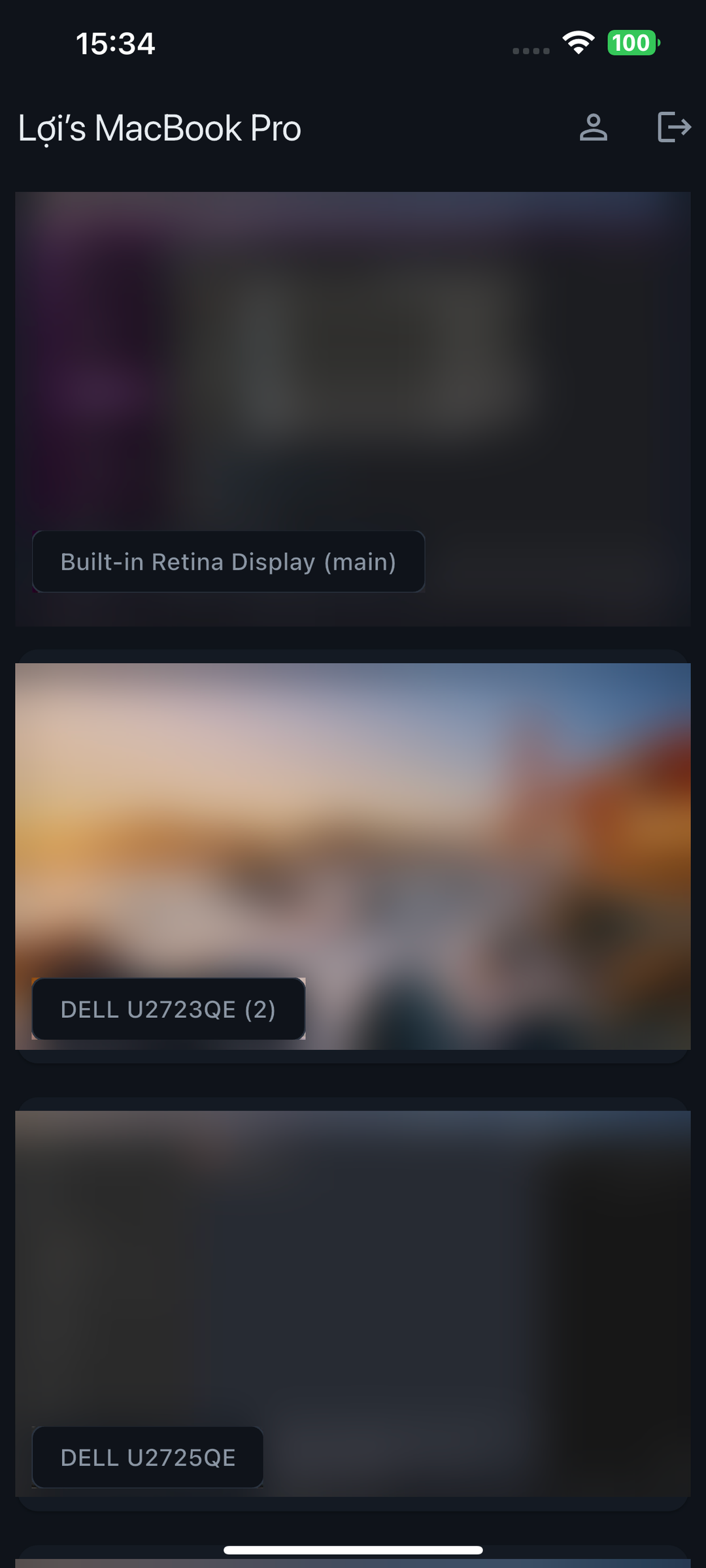
- Every display
- A live preview of each one. Tap to stream it.
- Anywhere
- Home, office or cellular. It adjusts when you switch.
Straight to your phone. Never through us.
Your screen goes straight from your Mac to your phone over your own Tailscale network. It never passes through our servers.
How it works
- 1
Sign in to Tailscale
- 2
Install the Mac agent
Open it and allow Screen Recording and Accessibility when macOS asks.
- 3
Get the app
Install Awaydesk on your iPhone, iPad or Android phone, sign in, and scan the code your Mac shows.
Built for your phone
Every screen, live
See live previews of all your Mac's screens. Tap one to take control.
Apps and windows
Switch apps and windows from a list and land on the right display.
One-tap actions
Run your own actions with a single tap.
Copy here, paste there
Copy on one device and paste on the other.
Any language
Type in any language, including Vietnamese with Telex or VNI.
You typexin chaof
Your Mac getsxin chào
Trackpad or tap
Drive the pointer like a trackpad, or tap exactly where you want.
$4.99 a month. Free for 1 week.
For new subscribers. Cancel anytime in your store account.
Questions
Tailscale builds a private, encrypted network between your own devices. Awaydesk uses it so your phone can reach your Mac from anywhere (home, office or cellular) without opening ports on your router or sending your screen through our servers. On your Mac, Awaydesk only listens on your Tailscale network, so nothing on the open internet can even see it. Tailscale has a free plan for personal use.
Yes. Sign in to Tailscale on your Mac and on each phone or tablet with the same Tailscale account. When a device connects, your Mac checks who it belongs to and only lets in devices signed in to the Mac's own account. A device signed in with a different account, even one on a shared tailnet or a tagged device, is turned away with a message saying so.
Your display's full resolution, tested up to 3840×2160 (4K). With H.265, used when your Mac and phone both support it, Awaydesk streams at your display's native resolution at up to 120 fps. With H.264 it streams up to 3840 pixels wide at up to 60 fps. On cellular it uses Light: up to 2560 pixels wide at up to 60 fps.
Yes. Awaydesk shows a live preview of every display connected to your Mac. Tap one to stream it, and switch between displays with a three-finger swipe or the display chip. Tap a window in the app list and you land on whichever display it's on. You control one display at a time.
No. Your screen, keystrokes and clipboard go straight from your Mac to your phone over your own Tailscale network, encrypted by Tailscale's WireGuard tunnel and again by the stream itself. Our servers only handle your account and subscription. If your devices can't reach each other directly, Tailscale may pass the encrypted traffic through one of its relay servers, which can't read it.